

[ONLINE] Excel Efficiency – 14 January
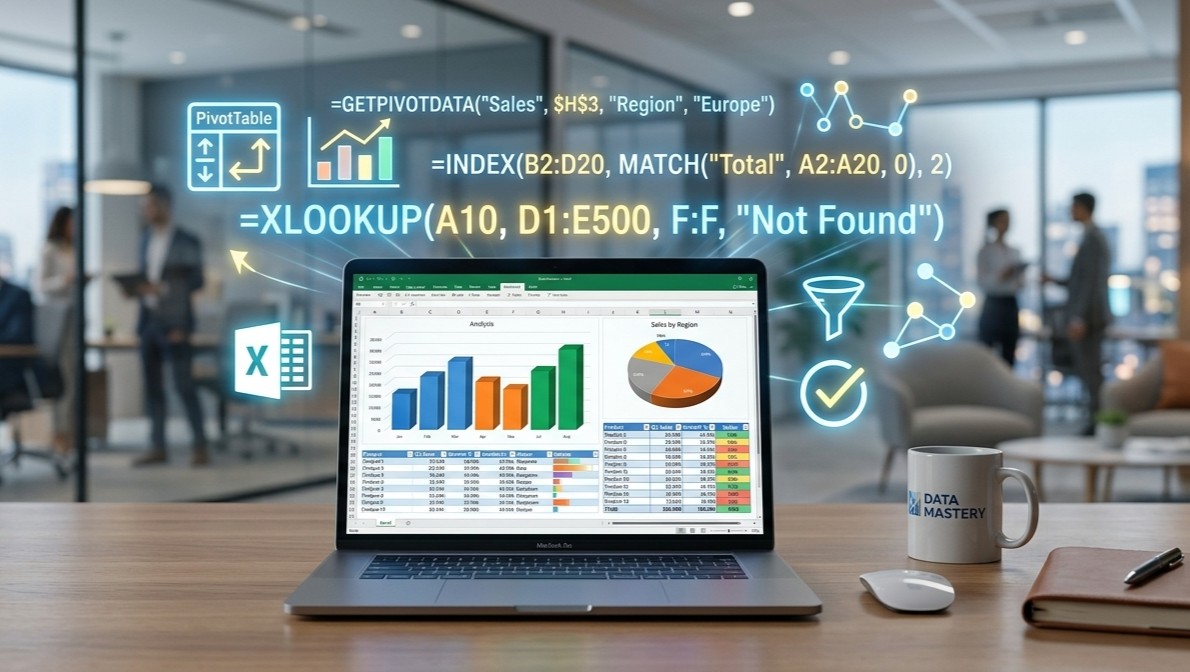
This webinar in Excel efficiency is designed to transform participants from novice users into confident, proficient Excel professionals. Beginning with the fundamental concepts of data and information, the session builds a solid foundation before diving deep into the core functionality of Microsoft Excel. Attendees will learn essential data organisation techniques, master a wide array of functions and formulas (from basic arithmetic to advanced lookups), and explore powerful features like PivotTables, Dynamic Arrays, and Macros. By the end of the session, participants will have the practical skills and strategic knowledge to manage, analyse, and visualise data effectively, driving better decision-making in their professional roles.
Seminar Description
This webinar in Excel efficiency is designed to transform participants from novice users into confident, proficient Excel professionals. Beginning with the fundamental concepts of data and information, the session builds a solid foundation before diving deep into the core functionality of Microsoft Excel. Attendees will learn essential data organisation techniques, master a wide array of functions and formulas (from basic arithmetic to advanced lookups), and explore powerful features like PivotTables, Dynamic Arrays, and Macros. By the end of the session, participants will have the practical skills and strategic knowledge to manage, analyse, and visualise data effectively, driving better decision-making in their professional roles.
Brief Agenda:
- Foundations of Data
- Understanding Data vs. Information, the 4 stages of data, and the importance of data management.
- Excel Essentials
- Workbook/worksheet navigation, tips & tricks, data organisation, and formatting best practices.
- Introduction to Excel Tables for better data management.
- Formulas and Functions
- Basic arithmetic (BODMAS), cell referencing (Relative, Absolute, Mixed).
- Core functions: SUM, AVERAGE, COUNT, ROUND, TRIM, CONCATENATE, UPPER/LOWER/PROPER.
- Conditional summing: SUMIF and SUMIFS.
- Advanced Analysis Tools
- Lookup Functions: VLOOKUP and the modern XLOOKUP.
- Dynamic Arrays: Using FILTER, SORT, UNIQUE and creating dynamic charts.
- PivotTables: Summarising and analysing large datasets interactively.
CPE
Qualifies for 2 CPE Professional hours
Course Fee
The course fee is €60.00 Non-Members €55.00 For Members. The fee covers seminar participation and access to event resources. Login details will be provided closer to the date.
A receipt will be issued to all participants.
Event Resources
Participants will receive the event resources by email.
Additional Information
For more information, kindly use the following communication mediums:
T: 21 58 53 74 M: 77 01 17 19 E: info@skillsmalta.com Webpage: www.skillsmalta.com
Related Courses

Cancellation Policy
With effect from February 1, 2019 the hereunder Cancellation Policy applies to all bookings with...

[ONLINE] Understanding Social Security Benefits in Malta – Updates & Developments – 06 October
Navigating social security benefits can be complex—but it doesn’t have to be. Join us for an...